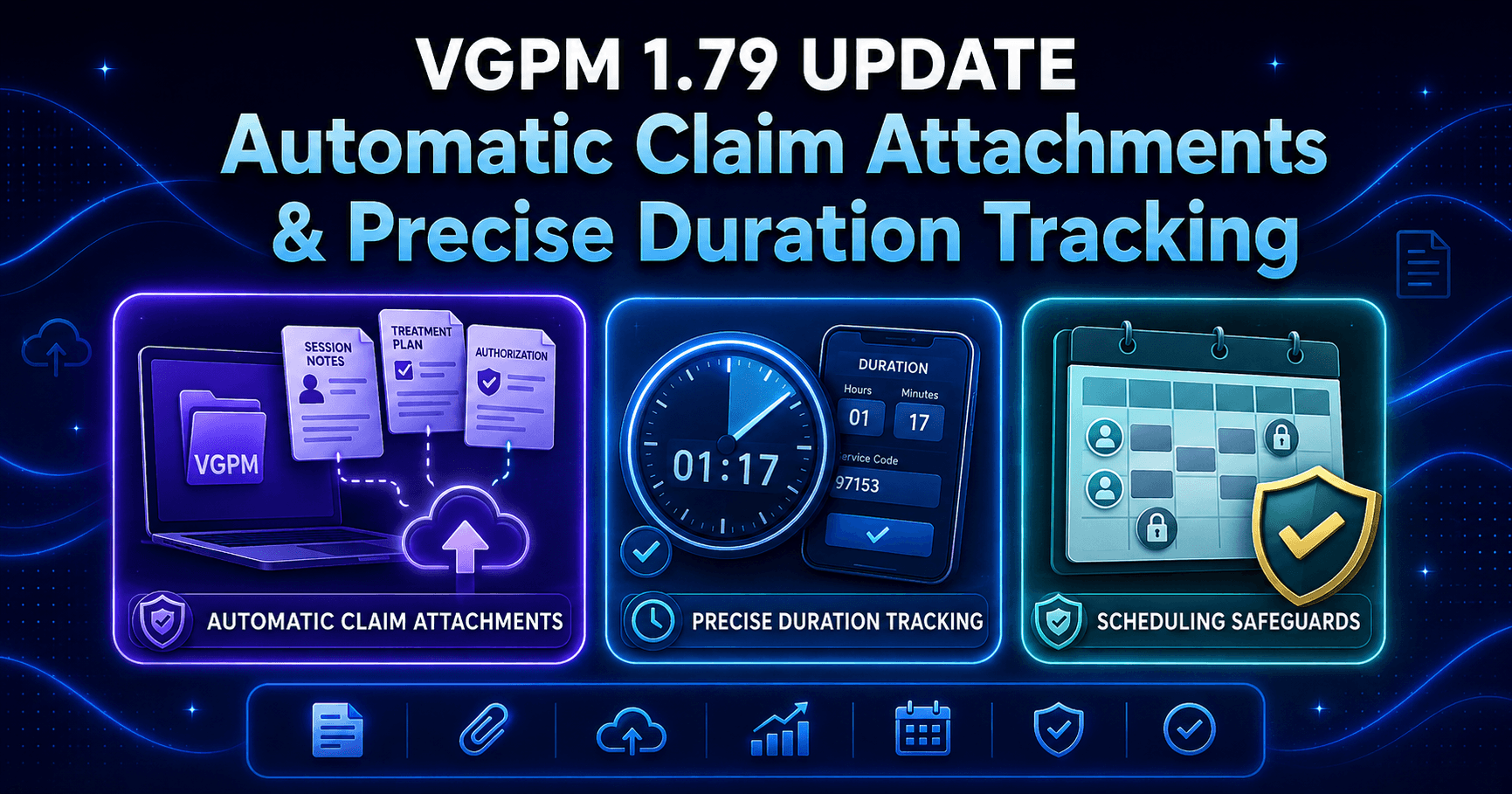
VGPM 1.77 is about seeing exactly where staff hours go, and being able to trace any number on the payroll report back to the work that produced it. This release breaks the payroll report down by event type, color-codes the hours so the picture reads at a glance, and lets you drill straight into the underlying timesheet entries without leaving the page.
Payroll Report, Now Broken Down by Event Type
Until now, the payroll report told you how many hours were billable, non-billable, PTO, and UTO, but it could not tell you what kind of work made up those hours. A single non-billable total bundled supervision, evaluations, meetings, and admin into one figure, which meant answering a simple question like "how much time went to supervision this period" started with a spreadsheet and ended with a guess. VGPM 1.77 adds a column for each event type, color-codes them, and puts the source data one click away.
What's Included
- Separate hour columns for each event type: Therapy, Supervision, and Evaluation, plus Meetings and Admin
- Color coding that groups the picture at a glance: direct and clinical time (Therapy, Supervision, Evaluation) in green, indirect time (Meetings, Admin) in amber
- An inline drilldown on every employee row: click to expand the individual timesheet entries behind the totals, without leaving the payroll report
- Paginated, lazy-loaded entries (5, 10, or 15 per page) ordered most recent first, so even a heavy period opens quickly
- A direct link from each entry to its session note and its calendar event, so verifying an hour is one click instead of a cross-reference
- The same event-type hours included in the CSV export, so the breakdown carries into whatever you do next
- A cleaner legend: the old static banner is now a reusable info button you open when you need it and ignore when you don't
Why This Matters
Payroll questions are usually staffing questions in disguise. When indirect time is just one number, a practice owner cannot see whether the week's hours went to necessary supervision or to meetings that quietly ran long, and that gap is the difference between a healthy ratio and a slow margin leak. Breaking hours out by event type turns the payroll report into an honest picture of how the practice actually spends its time, and the rest of VGPM's ABA reporting software lets you drill into any figure, so a disputed paycheck or an audit request is answered in minutes, not in an afternoon of digging. When labor hours and billable time are visible side by side, the conversations about where a practice can afford to grow get a lot more grounded.
How to Enable
The breakdown is available on the payroll report for anyone with the timesheet totals permission.
- Open Reports, then Payroll.
- Choose your office and date range, then click Filter.
- Read the new event-type columns alongside the existing billable, non-billable, PTO, and UTO totals.
- Click any employee row to expand the timesheet entries behind their hours, then use the session note or event link to verify a specific entry.
- Click Download to export the report, event-type columns included, as a CSV.
Bug Fixes and Minor Improvements
VGPM 1.77 also includes a set of smaller fixes and minor improvements that tighten accuracy and stability across the platform.
VGPM is the all-in-one ABA practice management platform built for streamlined operations: billing-optimized, automation-first, and simple enough for teams to learn in hours, at a flat rate per staff per month. This release puts the story behind every payroll number in plain sight, so the hours you pay for and the work you can see finally line up.